Stop typing SMS codes.
Snap them straight to your PC.
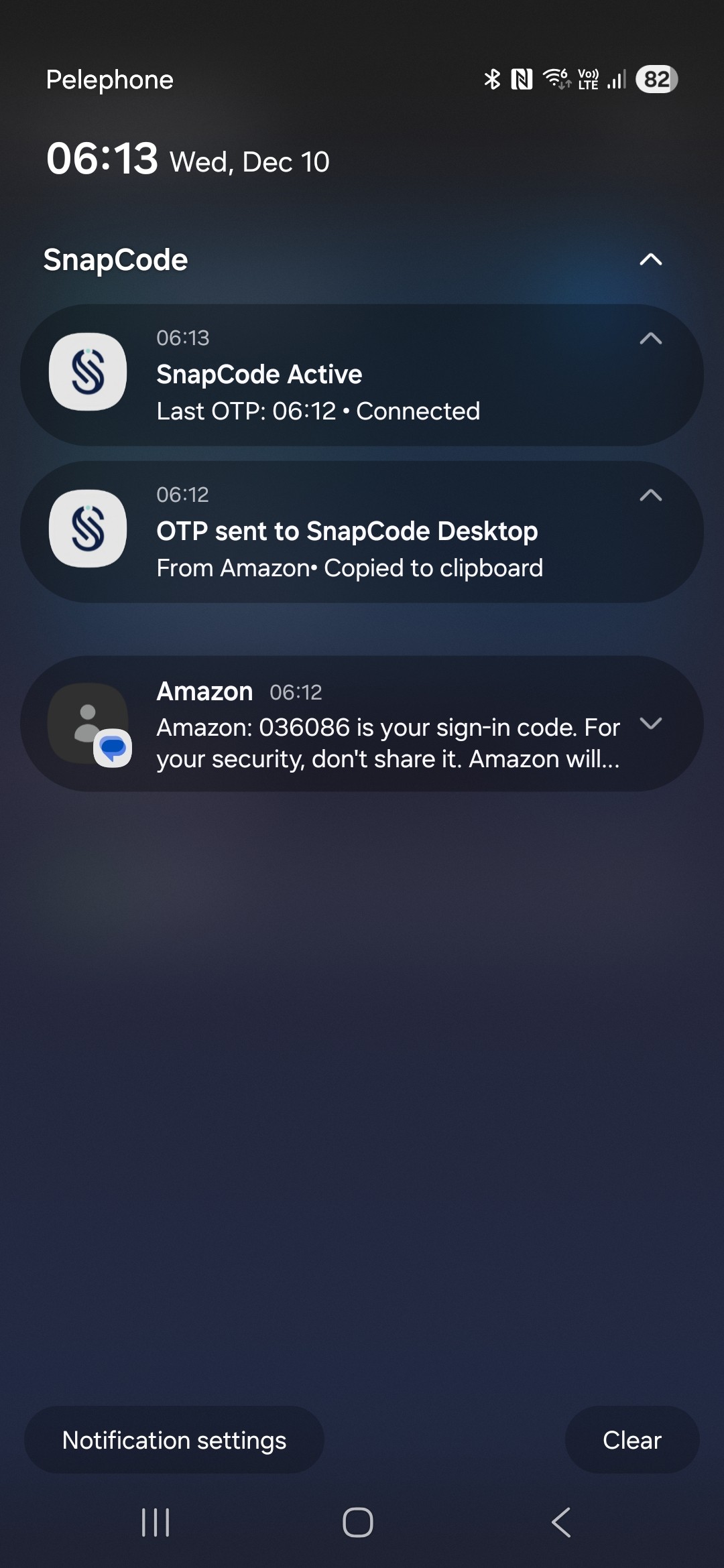
SnapCode reads SMS verification codes on your Android phone and sends them directly to your Windows clipboard — in under a second. No accounts. No cloud. Just your local network.
Your verification code is 123456
OTP Copied!
Just now
From Google
••••56
Ready to paste (Ctrl+V)
SnapCode
Your codes. Instantly.
How SnapCode works
Pair once
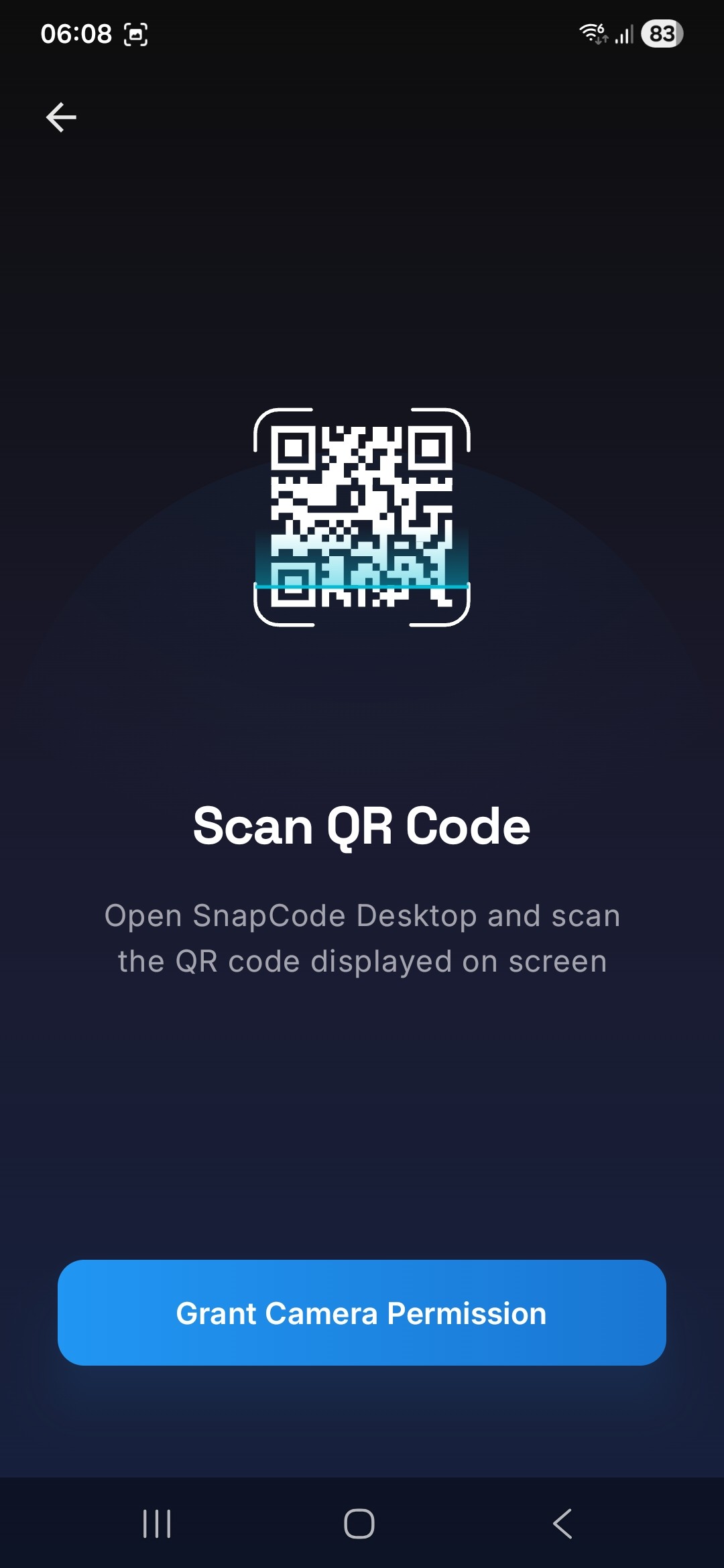
Install SnapCode Desktop, install the Android app, scan a QR code. Done.
Let SMS arrive
We detect 2FA SMS codes locally on your phone. No cloud, no servers.
Code appears on your PC
SnapCode signs the code with HMAC and pushes it to your Windows clipboard over your LAN.
Built for people who hate friction
Instant codes to clipboard
Codes land on your PC clipboard in under a second. Paste and move on.
Local network only, no cloud
Your codes never leave your network. No third-party servers. No accounts.
Secure by design
Every code is signed with HMAC-SHA256 and verified on your desktop.
Works with most SMS-based 2FA
Banks, Google, GitHub, anything that sends SMS verification codes.
Quiet, unobtrusive
Lives in your system tray on Windows. No noise, no prompts.
One-time purchase
Pay once, use forever. No subscriptions. No nonsense.
Security & privacy first
SnapCode runs locally on both your phone and PC. There are no cloud services involved, and no third-party servers ever see your codes.
Every OTP message is signed with HMAC-SHA256 using a shared secret established during pairing. Each message includes a timestamp, so your desktop rejects stale or replayed requests.
A 256-bit random secret is generated during QR pairing and embedded directly in the code—it's never transmitted over the network. It's stored encrypted on both your phone (Android Keystore) and your PC (Windows DPAPI).
Privacy guarantees
- No accounts
- No telemetry
- LAN-only traffic
- HMAC-SHA256 signing
- Replay protection
- Easy to pause at any time
Requirements
Desktop
- •Windows 10 or 11 (64-bit)
- •Local network (Wi-Fi or Ethernet)
Mobile
- •Android 8.0 or later
- •SMS capability
- •Same Wi-Fi / LAN as the PC
Simple pricing
One-time purchase. No subscription. No tricks.
One-time purchase. Use on up to 3 Windows PCs.
- Use on up to 3 Windows PCs
- Free Android companion app
- All 1.x updates included
- OTPs stay on your local network
- 14-day money-back guarantee
14-day no-questions-asked refund.
What users say
Join others who've simplified their 2FA workflow.
"I log into 20+ services a day. Not having to type those codes anymore is a huge relief."
Uriel A.
Software Developer
"Code arrives, it's already on my clipboard, I just paste. This is how 2FA should've always worked."
Daniel G.
Product Manager
"No cloud, no accounts, codes just go straight to my PC. Exactly what I was looking for."
Sharon L.
Security Engineer
Download SnapCode
Already purchased? Get the Windows app and the free Android companion app below.
Windows Desktop
19b9 264f 5cbe 12da ca2f 9058 3d35 2eeb 50c2 18bb 4b85 5391 a77d 90c3 30f8 563bRequires Windows 10 or later (64-bit)
Android App
6f6b 0276 0ae4 c0a9 a0da 64d1 0a02 6d09 3cd5 1a6f b53c 5e1b daa1 d116 d5fd 3c99Requires Android 8.0 (Oreo) or later · Install help
Your license key and setup instructions were sent to your email.
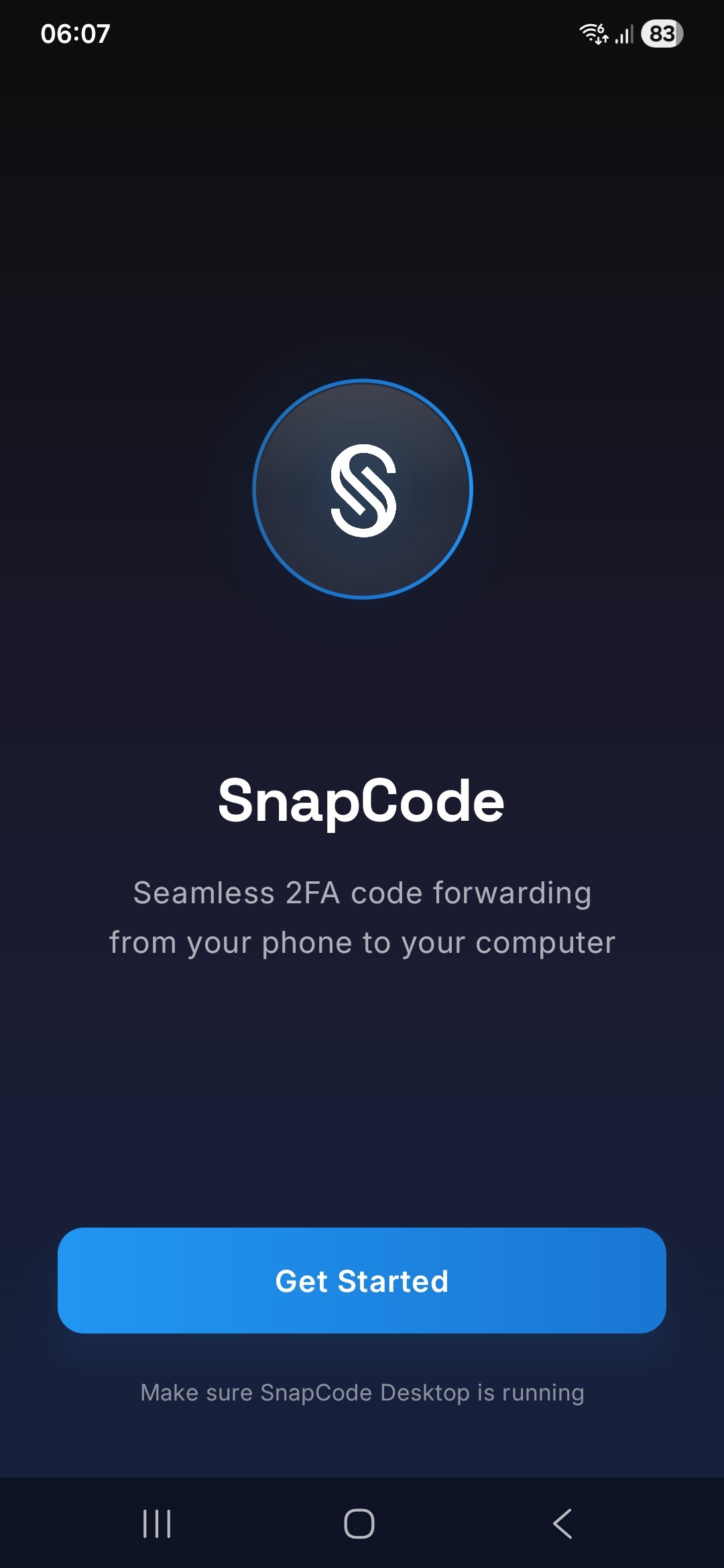
Android app preview
Simple, clean interface designed for one thing: getting your codes to your PC.